Building a chess game
I recently came across a post on X by Demis Hassabis which showcased Gemini 4 Argon creating Wizard Chess 3D. I was impressed with the visual output, but beyond the quality one thing which caught my eye was that the prompt leveraged Blender. I haven’t played with Blender for years (probably decades!), but used to love experimenting with it. I’d also seen several posts recently about success driving it with AI so was very keen to give it a go!
As a bonus, my two boys have recently got into chess, so I thought maybe I could “play”, and also create something they’d enjoy.
To be honest, I wasn’t sure how good this would end up with my local Qwen 3.8 27B model but the results have more than surpassed my expectations.
If you want to try it out: https://chess.jasoncourcoux.com
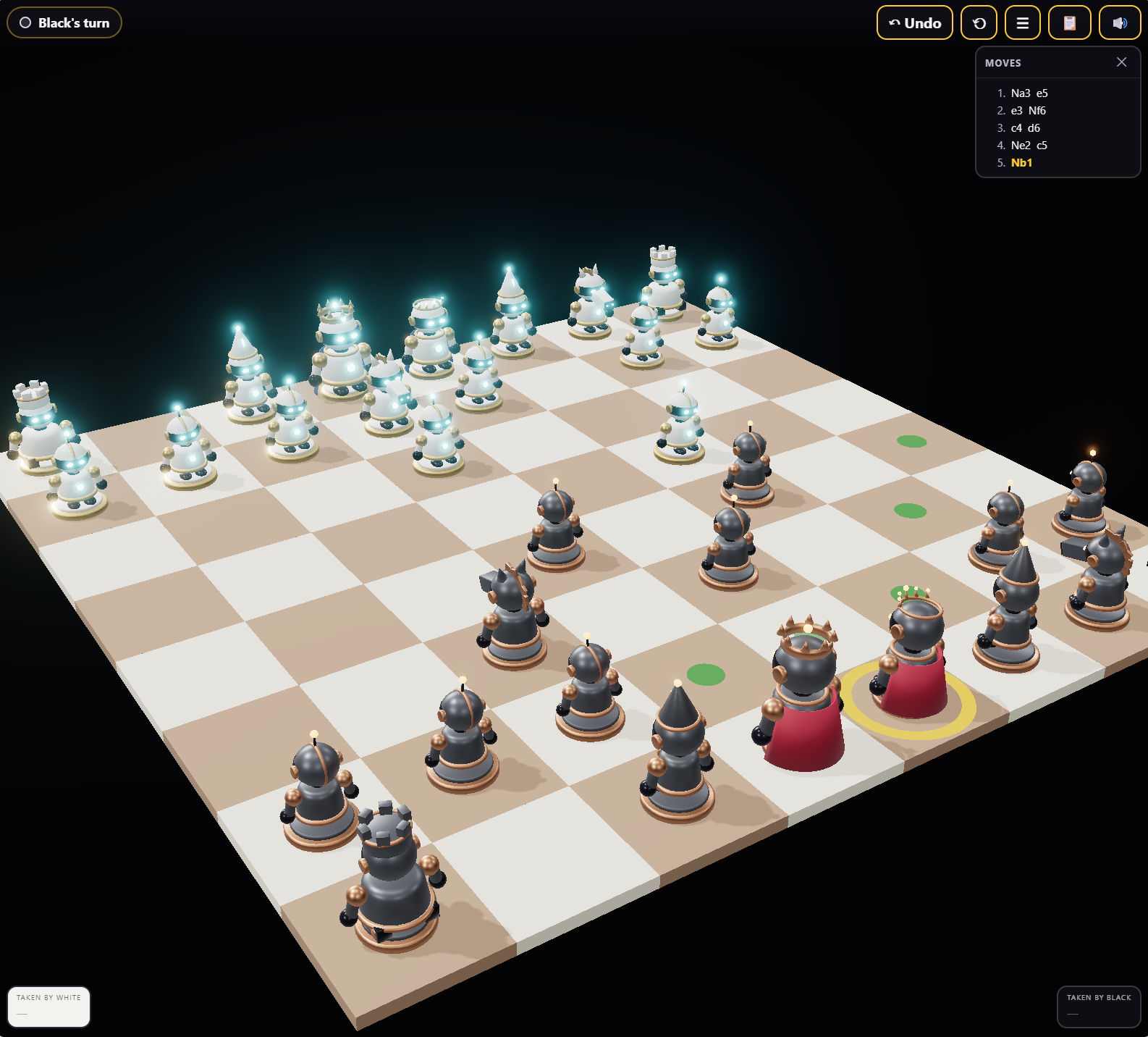
I’ve been using a spec-driven flow for most of my internal projects leveraging spec-kit, but decided to take a lighter approach for this work given its experimental nature and the creative aspect. I have a Claude Code subscription, so leveraged Opus 5.5 for task planning, prototypes and review, but used a local Hermes agent with Qwen to carry out the implementation.
Key technologies:
- Headless Blender on CPU for models and animation
- Three.js for the game
- chess.js for rules
- Stockfish for the opponent
Initially, I just wanted to get something up and running so I could play with 3D modelling. I installed headless Blender on a dedicated Hermes node and got a simple smoke test up and running to verify it was all working:
"""Step 00 - smoke test. Proves headless Blender + lib.py work.

Run:  blender -b -P blender/00_smoke_test.py
Done when: exits 0, writes renders/00_smoke_test.png and exports/00_cube.glb
"""
import sys, os
sys.path.insert(0, os.path.dirname(os.path.abspath(__file__)))
import bpy
import lib

lib.clear_scene()
lib.add_ground()

bpy.ops.mesh.primitive_cube_add(size=0.6, location=(0, 0, 0.3))
cube = bpy.context.active_object
cube.name = "TestCube"
cube.data.materials.append(lib.make_material("Red", (0.8, 0.1, 0.1)))

lib.add_camera_and_light(target=(0, 0, 0.3))
lib.render_preview("00_smoke_test.png")
lib.export_glb("00_cube.glb", objects=[cube])
print("SMOKE TEST PASS")
NOTE: You can see the lib.py in the full source.
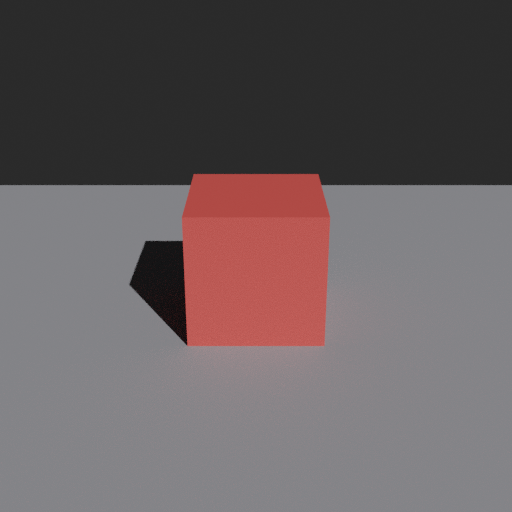
Once I had something working, and before I tried any complex characters, I thought I would get a simple pawn shape rendering. To do this, Claude set up basic tasks and some tests in a git repo so that Hermes could pick each one up in a dedicated session.
As an example of the level of detail, here is the first proper task:
# 02 – Pawn shape (lathe)
GOAL: A classic chess pawn made by spinning a 2D profile around the Z axis.
FILE: blender/02_pawn_shape.py
HOW:
- Make a list of (radius, height) points tracing the RIGHT half of a pawn outline,
  bottom to top: wide base (r≈0.25), narrow neck (r≈0.08), collar, round head (r≈0.13), total height ≈0.7.
- Build a mesh of vertices at (r, 0, h) joined by edges, then add a SCREW modifier
  (angle 360°, steps 48, axis Z). Add SUBSURF (level 1) and shade smooth.
- Close the top and bottom: first and last points should have radius 0.
- lib.add_ground(); lib.add_camera_and_light(target=(0,0,0.35), distance=2.0, height=1.0)
- lib.render_preview("02_pawn.png"); lib.save_blend("pawn.blend")
DONE WHEN: `blender -b exports/pawn.blend -P blender/inspect_mesh.py` prints PASS with height 0.65–0.75
           and width 0.45–0.55, AND the PNG looks like a pawn (base, neck, head), sits on the floor, no holes on top.
REVIEW: If you can view images, look at the PNG; otherwise ask the human to. Proportions OK? Head round? Fix worst problem, max 3 tries.
I then manually prompted Hermes with something like the below:
Read AGENTS.md. Do task tasks/02_pawn_shape.md only. Follow its DONE WHEN exactly, run inspect_mesh.py, update PROGRESS.md and NOTES.md, then stop and summarise.
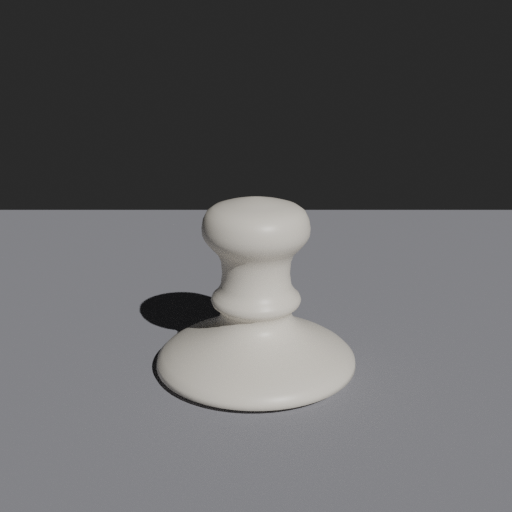
The result with two materials applied:
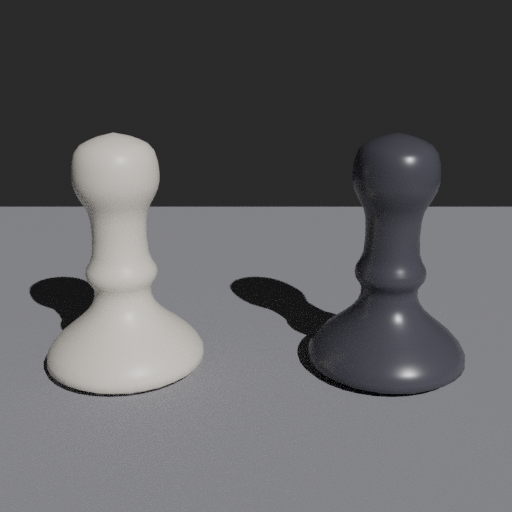
There are obviously some improvements that can be made, but for a very first attempt this came out well enough that I could build out more of the game. Before this work I hadn’t come across the concept of “rigging”, which was mentioned in the Gemini prompt. Essentially, you give the character or piece bones which you can move or manipulate to define the range of motion. I used another task to get the pawn leaning and squashing so we could animate it as it moved. I also introduced a really slight breathing animation with a random start time to make the pieces feel alive.
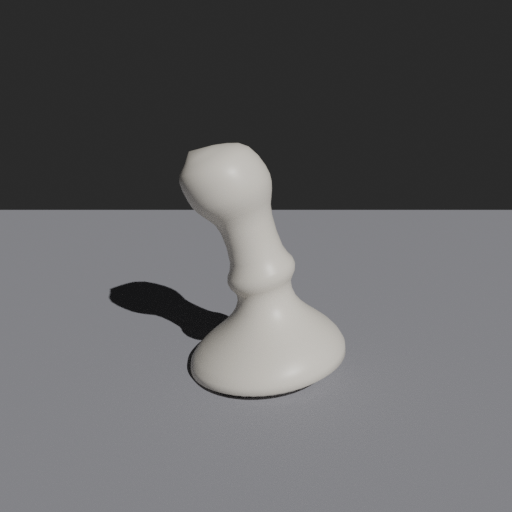
This gave me all the techniques to get a piece either “walking” across the board, or to jump where required. At this point, I was relatively comfortable I could build out the rest of the game logic given enough time, but really wanted to see if I could pull together a more complex character. For the children, I had in my mind that I’d like to explore something they enjoy (like Harry Potter, or Star Wars) and build out teams they can select from, but to start with settled on a robot character as it was relatively simple in the components that make it up and suited animation.
The first run can be seen here:
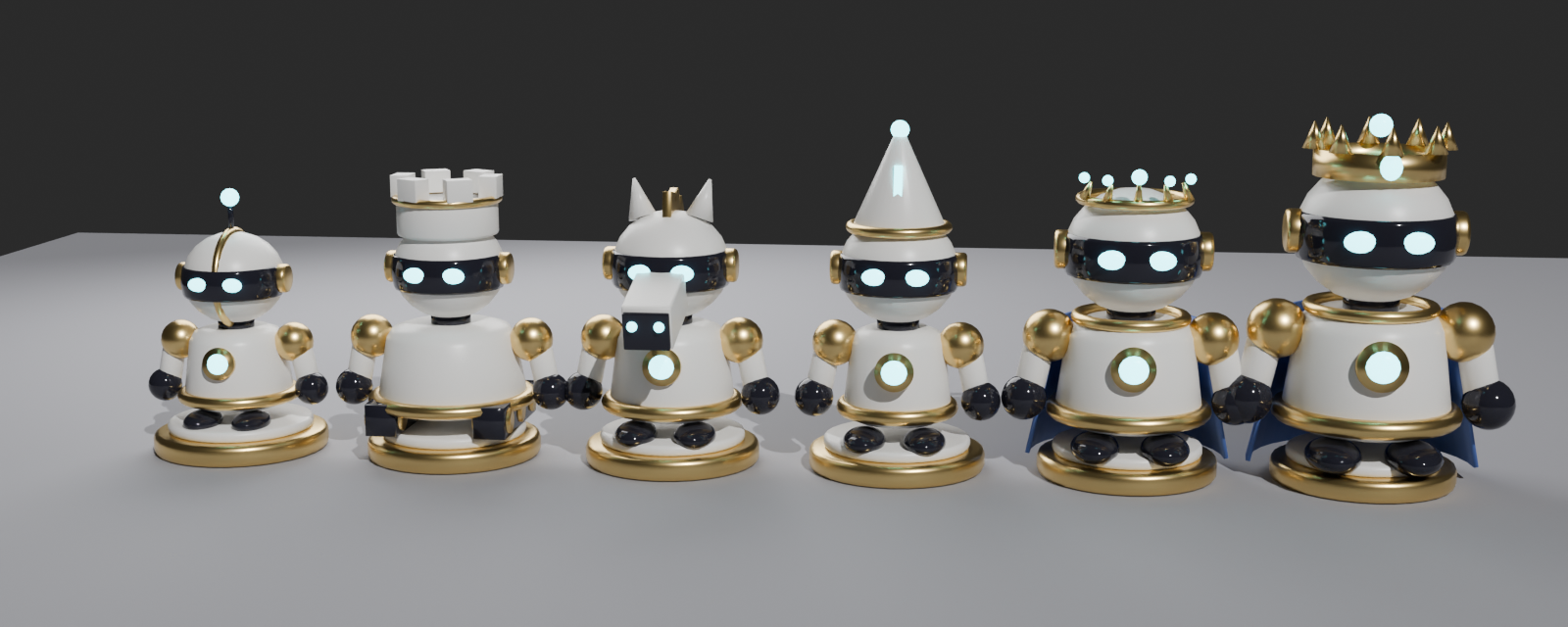
At this point, I realised I was happy with each step as we progressed, so rather than continue to manually set off each task, I let Claude orchestrate Hermes, cooked dinner and left it to it overnight. Next morning, the game was fully functional!
Rendering on the CPU was unsurprisingly very slow, so going forward I’ve made a small script that can run the browser render tasks on my inference node so it can take advantage of the GPU. I’m also going to experiment with leveraging Qwen in the prototyping stage and card generation - it’s not yet clear how much of the quality is coming from the card/prototype and what can be achieved by the local model on its own.
Overall, I’ve been blown away with how well the 3D modelling went, and the potential for animation, so much so that I’m already working on another more challenging marketing game for work. Beyond that, it’s opened up my eyes to all sorts of possibilities:
- Both the boys couldn’t wait to play, so what other engaging games can I come up with that are personalised to them, and help them learn new topics?
- What tools can I build myself to explore new ideas, or to help share concepts?
- Beyond games, interactive content for websites and presentations.
Letting Claude break down tasks and hand off to Hermes is also something I’m going to use more often, and try out on other projects. I’m very pleased with the result, and it was a much quicker iteration loop than the spec-driven flow I’m used to.
This was only really a first draft. I’m going to continue to polish this game further and try and build out some more complex characters, but for a couple of hours’ effort (with me at the keyboard) I couldn’t be happier with the result.